
500+ games, live cricket betting, real dealer casino – all in one lightweight app. Runs smoothly on any network.
Android, iOS, or browser – play whichever way you're most comfortable
How to install the 90 Live app on Android
Go to your Android phone's Settings → Security → enable "Unknown Sources". You only need to do this once.
Tap the "Android Download" button on this page. The 38 MB file takes about 15 seconds to download over WiFi and 30–45 seconds on mobile data.
Once the download is complete, tap the notification or open your File Manager and launch the APK file. Hit "Install" – it's done in 10–15 seconds.
Open the app, log into your existing account or create a new one. Your welcome bonus will be credited automatically.
Visit 90live.im in Safari on your iPhone or iPad. Chrome or Firefox will work too, but Safari gives you the best experience.
Tap the share icon (⬆️) in the bottom toolbar. Scroll through the options and select "Add to Home Screen".
The 90 Live icon will appear on your home screen. Tap it for a full app-like experience – no browser chrome, full-screen mode.

Why Use the App Instead of a Browser
Once installed, the app launches in under 3 seconds. Live odds updates are 40% faster than in a browser.
Get instant notifications before a match kicks off, when a bonus is credited, and when a withdrawal is approved.
Log in instantly using your fingerprint or face scan — no password typing needed.
Uses 30% less data than a browser in data saver mode. Works on 2G networks too.
Dark mode for easier viewing at night. Automatically follows your system theme.
Add a widget to your home screen and check live match scores without ever opening the app.
Mobile Pay, Nagad, Rocket — all payments are completed within the app. No need to switch anywhere else.
Your game progress is saved when you close the app. When you return, you pick up exactly where you left off.
Check If Your Device Is Supported

See Which Option Works Best for You
| Feature | Android App | iOS App | Browser |
|---|---|---|---|
| Push Notifications | Yes | Yes | No |
| Biometric Login | Yes | Yes | No |
| Offline Scores | Yes | Yes | No |
| Live Streaming | HD | HD | SD |
| Loading Speed | Fastest | Fast | Medium |
| Home Screen Icon | Yes | Yes | Yes (PWA) |
| Installation Required | Yes | Yes | No |
| Data Usage | Lowest | Low | More |
Based on 50,000+ reviews
What They're Saying
"This app is genuinely fast. I used to play on the browser and it would lag every now and then. No such issues with the app. The live odds on cricket matches update so quickly that betting actually feels exciting."
"I use an iPhone. The iOS app looks fantastic. Face ID login is seamless, and Mobile Pay payments are completely hassle-free. The slots look amazing on iPhone."
"Had a bit of trouble installing on my Walton phone at first, but customer support sorted it out right away. It's been running smoothly ever since. The push notification feature is genuinely useful."
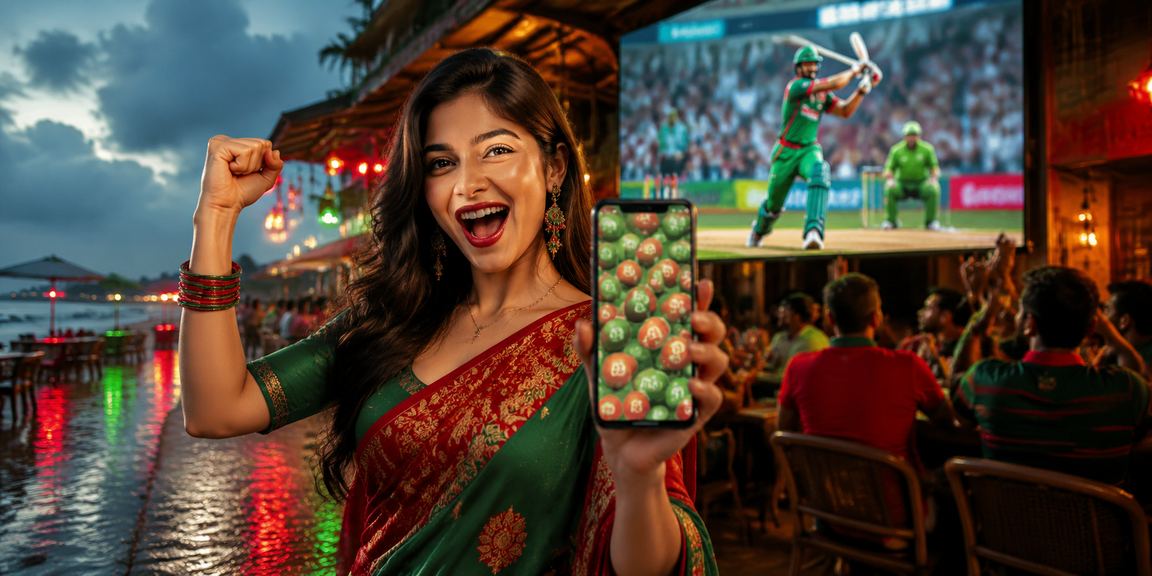
Smartphone usage in Bangladesh grows every day. People now want to handle everything on mobile — from banking to entertainment. 90 Live was built with this in mind, designed to perform well under Bangladesh's internet conditions. At just 38 MB, the app downloads in under a minute even on a 3G connection.
A common question we hear is: why bother with an app when you can just play on the website? The answer is simple – the app experience is in a class of its own. On a browser, pages can randomly reload mid-session, and a slight dip in your connection is enough to freeze the game. The 90 Live app, however, uses a smart caching system that stores previously loaded data locally. So even if your network suddenly weakens, the game keeps running without interruption.
The app's advantage is most obvious when it comes to cricket betting. Picture this: Bangladesh vs India, last over, 15 runs needed. The odds are shifting every 5 seconds. On a browser, by the time you refresh the page, the moment has passed. With the 90 Live app, odds update in real time – no action needed on your end. Just watch for your opportunity and place your bet.
Payments are a big deal in Bangladesh, and 90 Live has Mobile Pay, Nagad, and Rocket built directly into the app. That means no switching between apps to complete a transaction. Deposits and withdrawals are handled entirely within the app – deposits typically go through in 1–5 minutes, and withdrawals in 15–30 minutes.
Security is a common concern. The 90 Live app uses SSL encryption, keeping your personal information and transaction data fully protected. Biometric login means that even if you lose your phone, no one else can access your account. Enabling two-factor authentication (2FA) adds another layer of security on top of that.
Updating the app is just as straightforward. When a new version is available, you'll get a notification right inside the app. One tap starts the update, and it's done in 2–3 minutes. New versions may include new games, additional payment options, or performance improvements. 90 Live typically releases one major update per month along with minor bug fix updates each week.
A note for new users – downloading the app and registering for the first time unlocks a special welcome bonus. It's more convenient than signing up through a browser because the app handles the bonus process automatically. Existing members also get exclusive app-only offers when they log in through the app – deals you won't find on the browser.
One last thing worth mentioning – 90 Live's customer support is accessible directly within the app. Whether it's live chat, email, or phone, you never have to leave the app to get help. Even at 2 AM, the 24/7 support team is ready to assist – in Bangla. That's what sets 90 Live apart from other platforms.
Everything You Need to Know About Downloading & Installing